Your plan decides two things: which areas you can see, and which features you can use. Everything you can open is a function of those two.
Areas (your entitlement)
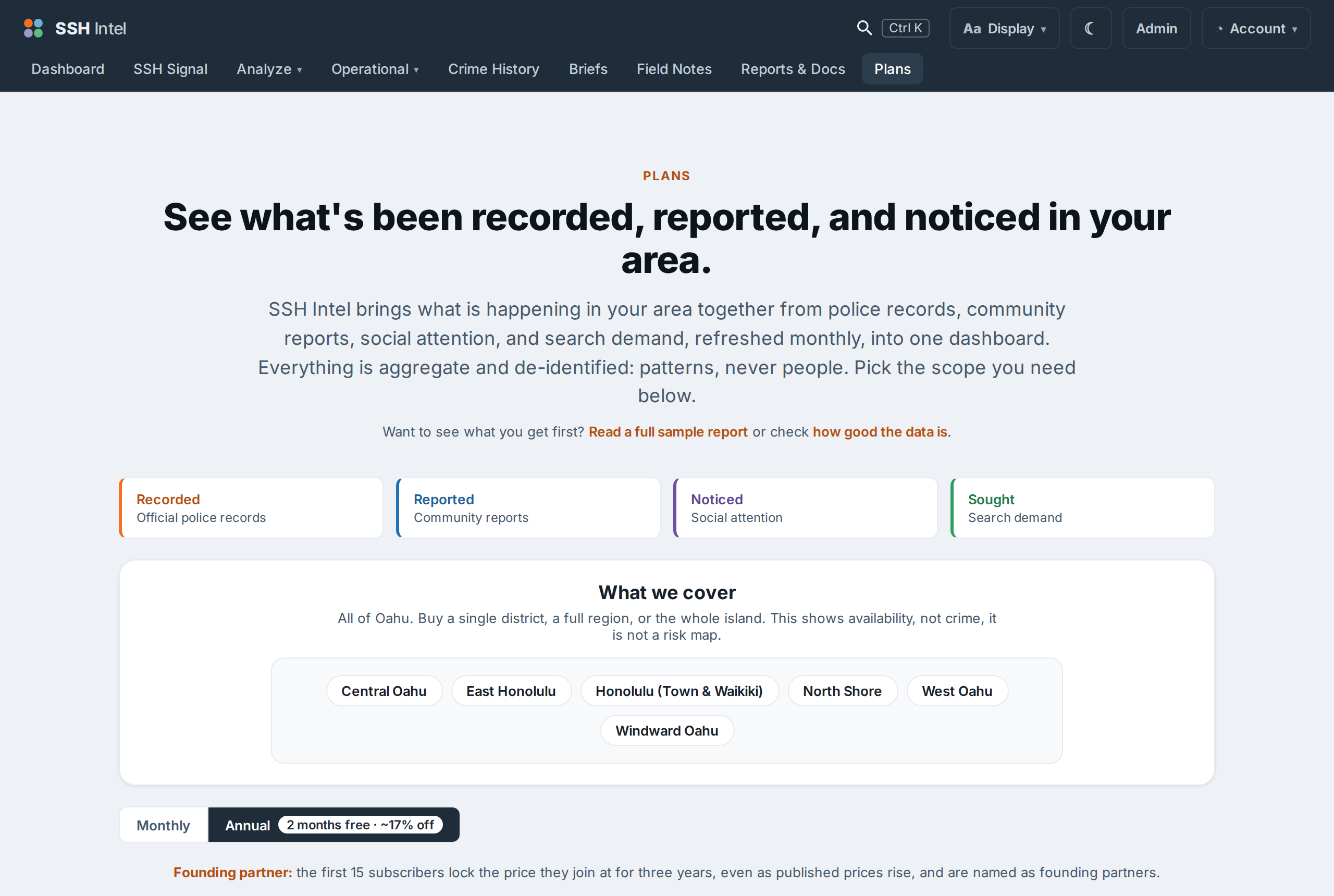
Each account is scoped to a set of areas: a single district, a region, several areas, or all of Oahu. You can open reports, search, and compare only within your own areas. Asking about an area outside your plan returns a polite "not in your plan" message rather than the data. This is enforced on the server, so it holds everywhere.
Features by tier
Higher tiers unlock more tools on top of more areas:
- Downloads: print-ready reports and PDF export.
- Explore: the every-signal-at-once view.
- Compare: areas side by side.
- Portfolio tools: "which of my areas..." across several areas at once.
The Plans page lists exactly what each tier includes. If a page is locked, it is because your current plan does not include that feature or that area, see Why is this page locked.
Billing
Plans are paid, no free accounts. Billing is handled through Stripe, and your terms acceptance is recorded at checkout. To change or cancel, use Account in the top-right menu.
Last updated 2026-07-15 HST