If your plan covers several areas, Portfolio gathers them into one place. You get a roster of every area you cover, each with its own rate and confidence band, plus a written brief on what moved.
How to use it
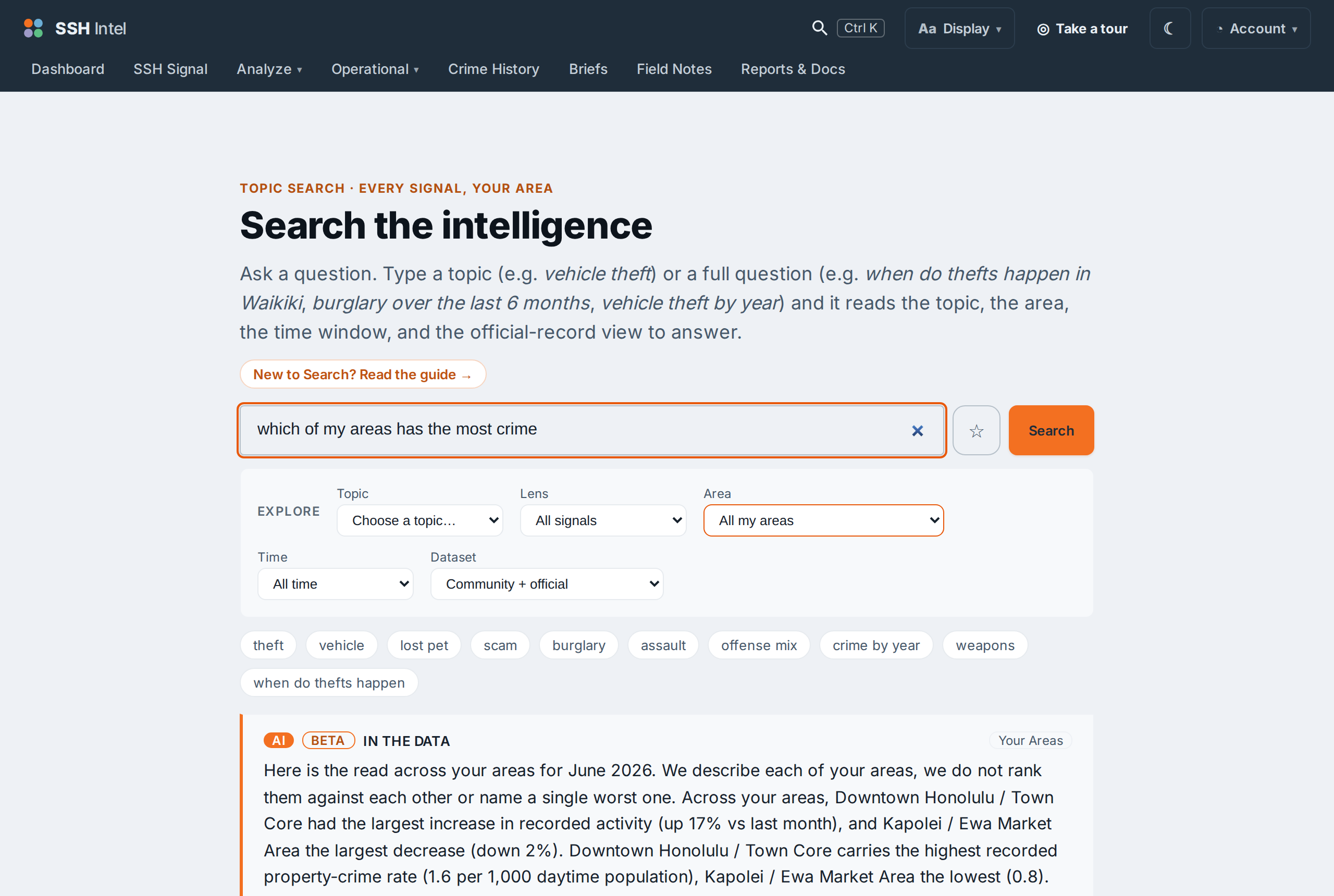
In Search, ask about your areas together: "which of my areas has the most theft," "how are my sites doing this month," "compare my areas over the last 90 days." The answer covers only the areas your account is entitled to, and no others.
A roster, not a leaderboard
Portfolio names the extremes descriptively ("Kapolei had the highest recorded rate, Waikiki the lowest") and lists your areas, but it does not sort them into a ranked "best to worst" table. That distinction is deliberate: naming what the record shows is description; ordering places into a league table is a ranking, and the product does not do that. See What we will never do.
Offense-specific and custom windows
You can narrow the roster to one offense ("which of my areas has the most vehicle theft") or to a custom window ("...over the last 90 days"). When the window is long enough to be meaningful, the roster is rate-normalized so a bigger area is not flagged just for being bigger.
Last updated 2026-07-15 HST